
play.antropoloops
Sample, edit, and create situated sound collages, a tool for the classroom (and the stage ;)
play.antropoloops is an online music remix tool developed for education. It is intended for creating music remixes in the classroom and placing music on maps and images. You can create your own projects and publish them on the web, as well as explore and play the sound projects created in the workshops we conduct.
The tool allows you to work with 8 sound tracks and associate images to each of the audio clips you use. You can sample, change the duration of the audio, make simple linear edits and apply effects.
You can explore the music and mix loops using the computer keyboard or any other device you connect such as the Makey Makey, with which you can build your own instruments to remix music collectively with your body.
Currently play.antropoloops does not work from your cell phone, only from your computer.
Tutorials
In this series of tutorials, we guide you step by step so you can learn how to use our collaborative remixing tool. You will discover how to set up your account, capture and edit your own sounds, and organize your projects. Explore, sample, and experiment with music until you compose your own live sound pieces.
For best performance, use Google Chrome.
Create a profile on play
Registration: Create your account and confirm via email (check your spam folder).
Navigation: Use the top left menu and manage projects in your profile.
Education: Contact talleres@antropoloops.com to create groups.
Create projects and edit info
Editor: 8-track online sampler for creating and mixing loops.Tabs: 'Sounds' (edit audio), 'Map' (locate loops), and 'Play' (mix and record).
Customization: Change colors, track names, and add covers to audio files.
Management: Edit project data from the home page or the workgroup.
Sound management in play
Upload and Capture: Upload local audio files or capture from the web using extensions (e.g., Smart Audio Capture).Sources: It is essential to edit the metadata and add the original URL to acknowledge the author.
Recording: Record with your computer's microphone.
Import: Use sounds from existing libraries or your own.
Organize: Move, copy, or duplicate sounds between tracks and drag to reorder. Delete with care ;)
Loop editing and mixing
Trimming: Adjust the start and end of the loop in the 'Sounds' tab using the wave zoom for greater precision.Multiple loops: You can create and save different variations from the same original audio.
Transformation: Use 'Adjust duration' to change speed and pitch, or to synchronize rhythms proportionally.
Mixing: Balance the project by adjusting the individual volume of each sound to achieve a good mix.
Placing loops on the map
Images: Add and crop a cover image for each sound from its individual page.Background: Upload a map or custom image from the bottom right icon in the 'Map' tab.
Location: Select the loop to display its point and drag it to place it where you want.
Visualization: Go to the 'Play' tab to use these visuals :).
Live performance and mixing
Assignment: Manually assign keys to your loops or use the automatic assignment in the 'Play' tab.Mixing: Control volumes and apply effects such as high-frequency cut or reverb to add depth.
Visualization: Use full-screen mode to integrate the map while you play.
Recording: Create your pieces by playing live and use the Chrome extension to capture, export, and save your best versions. You can upload them to a track and RE-sample them :P
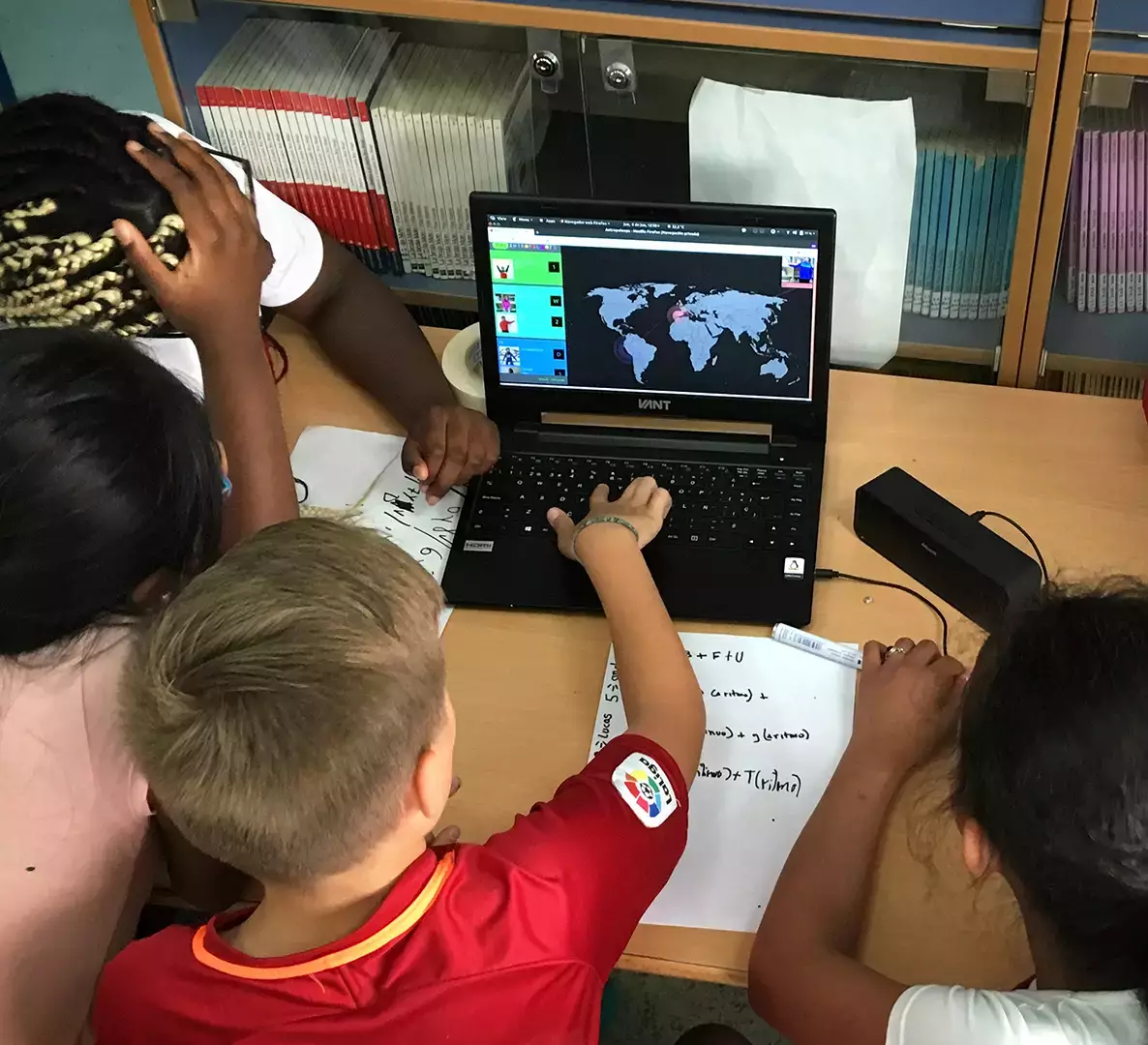
Introductory video tutorial created with some of the students who participated in the banda sanjomix project.
Here are instructions on how to create a new profile in the tool:

sound projects
Here are some examples of sound projects created by us:
development: Daniel Gómez
supports: the development of play.antropoloops has been made possible in large part thanks to funding from the Carasso Foundation, ICAS, Creative Europe and Art for change.
